
Card Types: Open-Loop vs. Closed-Loop
Prepaid gift cards in the United States fall into two broad categories. Understanding which type you have is the first step to using it correctly.
Open-Loop Cards
Open-loop cards carry a major payment network logo, typically Visa, Mastercard, or American Express. They can be used anywhere that network is accepted, including most US retailers, restaurants, and online stores.
These cards are issued by banks and are subject to both the payment network's rules and federal gift card regulations. They often require activation and, for online use, registration of a billing address.
Closed-Loop Cards
Closed-loop cards are issued by a specific retailer and can only be used at that retailer's stores or website. Examples include gift cards from major grocery chains, department stores, or restaurant brands.
These cards are simpler to use because they work within a single system, but they offer less flexibility. They are also subject to federal gift card regulations, including the five-year validity rule and fee restrictions.
Activation
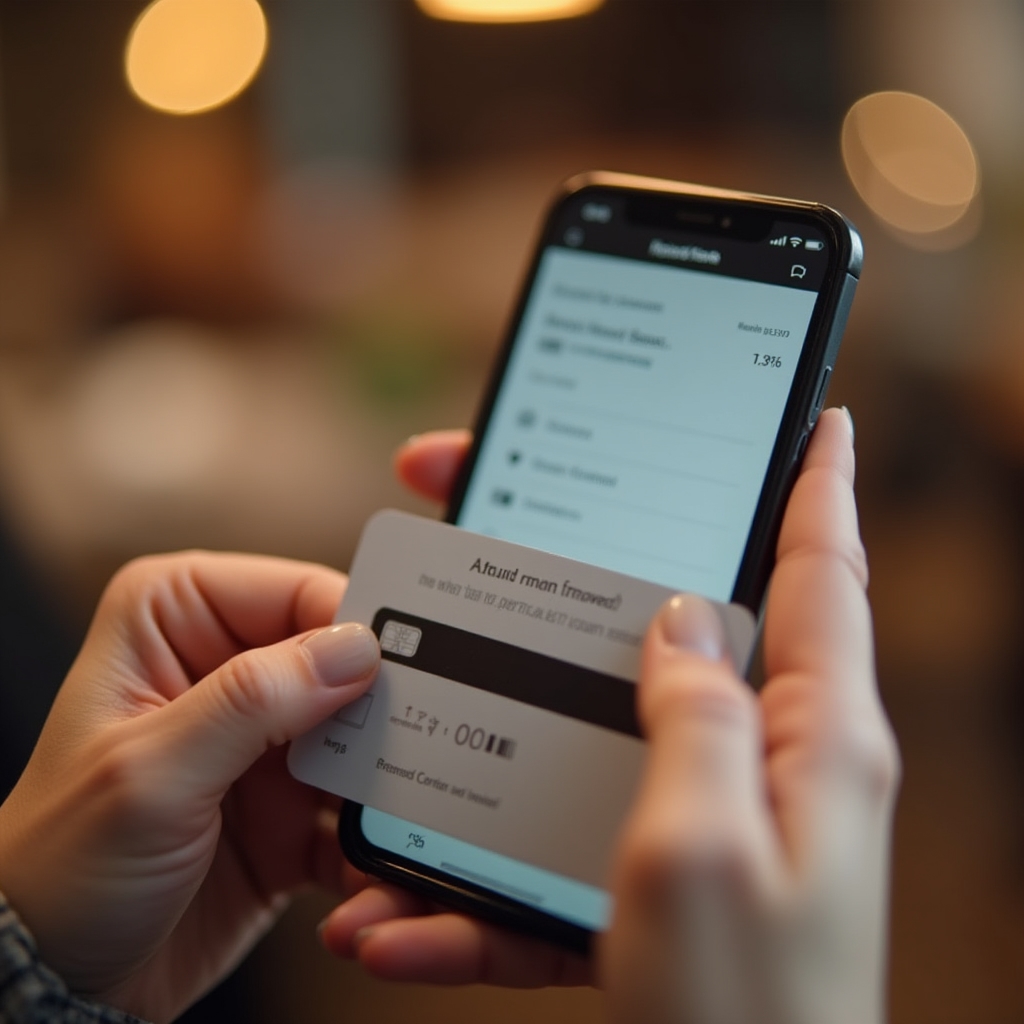
Most prepaid gift cards require activation before they can be used. For store-branded cards purchased at a retail location, activation typically happens automatically at the register when the card is purchased. The cashier scans the card and the purchase price loads the balance onto the card at that moment.
Open-loop prepaid cards often require a separate activation step. This is usually done by calling a phone number printed on the card or visiting a website listed on the card or packaging. Activation typically requires you to enter the card number and sometimes your zip code or another identifier. Some cards activate automatically when first used.
Cards received as gifts may or may not already be activated. If you receive a card and it is declined on the first use, checking whether it needs activation is the first troubleshooting step. The card's packaging or the issuer's website will specify the activation process.
Using a Gift Card In-Store
Using a prepaid gift card at a physical retail location is similar to using a debit card. At most modern point-of-sale terminals, you can swipe, insert, or tap the card depending on the card's technology. The terminal reads the card and checks the available balance against the purchase total.
If the balance covers the full amount, the transaction completes and the remaining balance stays on the card. The card is not destroyed or deactivated after use unless the balance reaches zero. You can continue using it for future purchases until the balance is depleted.
At some older terminals or smaller retailers, you may need to tell the cashier you are paying with a gift card. The cashier will initiate the gift card payment type on their system before prompting you to swipe or enter the card number manually.
It is a good practice to know your approximate balance before making a purchase, particularly for larger transactions. Attempting a transaction that exceeds the card balance will result in a decline at most terminals, which can be inconvenient. Knowing the balance lets you plan for a split payment if needed.
Online Checkout Process

Using a gift card for an online purchase involves a few more steps than in-store use, and the process varies somewhat by retailer. Here is the general flow for most major US e-commerce sites.
When you reach the payment section of the checkout page, look for an option labeled "gift card," "redeem gift card," "enter gift card," or similar. This is sometimes separate from the main credit card entry field and may be located below it or in a sidebar. On some sites, you may need to click a link to expand the gift card entry section.
You will typically need two pieces of information: the card number (usually 16 digits printed on the front of the card) and the PIN or security code (usually 4 digits found under a scratch-off strip on the back). Enter both carefully, as even a single digit error will result in a decline.
For open-loop cards, a billing address is often required. If you have not registered the card with a billing address, the transaction will likely be declined with a message like "address verification failed" or "card not authorized." Registering the card at the issuer's website before attempting the online purchase resolves this issue.
After applying the gift card, the checkout page should show the card balance applied to the total. If the balance covers the full amount, you can complete the purchase. If not, you will need to enter a secondary payment method for the remaining balance, which brings us to split payments.
Split Payments When the Balance Is Insufficient
A split-tender transaction is one where two payment methods are used for a single purchase. This is the standard approach when a gift card balance does not fully cover the purchase total.
In physical stores, split-tender is widely supported. You tell the cashier you want to pay with a gift card first, then cover the remainder with another method. The cashier applies the gift card for whatever amount is available, then prompts you for a second form of payment for the remaining balance. This works with cash, debit cards, credit cards, and sometimes other gift cards as the secondary payment.
Online, split-payment support is less universal. Many major retailers, including large department stores, electronics retailers, and grocery chains, allow you to apply a gift card balance and then enter a credit or debit card for the remainder. The checkout page will show the gift card amount applied and the remaining balance due.
However, some online retailers do not support split payments. If you try to apply a gift card that does not cover the full total and the site does not offer a secondary payment option, you may need to either add more funds to the card (if it is reloadable), find a supplementary gift card to combine with the first, or use a different payment method entirely for that purchase.
A practical tip: if you have a small remaining balance on a gift card, consider using it for a smaller purchase where it will cover the full amount, rather than trying to split-pay a large purchase online where the feature may not be available.
Checking Your Balance
Knowing your gift card balance before making a purchase prevents declined transactions and the awkwardness of an insufficient-funds situation at the register. There are several ways to check a gift card balance.
Most issuers provide a balance check tool on their website. You enter the card number and PIN and the current balance is displayed. This is typically the fastest and most convenient method.
A toll-free number is printed on most cards. Calling this number and following the automated prompts will provide the current balance. You will need the card number and sometimes the PIN.
For store-branded cards, a cashier at that retailer can usually check the balance by swiping or scanning the card. This is convenient if you are already at the store and planning to use the card.
Many retailers print the remaining balance on the receipt after a gift card transaction. Keeping your receipts is a simple way to track your balance without needing to check it separately.
When a Card Is Declined
A gift card decline does not always mean the balance is zero. Several other reasons can cause a decline, and knowing them helps you troubleshoot quickly.
The most common reason for an online decline is a missing or incorrect billing address. Open-loop cards used online require an address on file with the issuer. If no address is registered, or if the address entered at checkout does not match the registered address, the transaction will be declined. The fix is to register the card at the issuer's website before attempting the purchase again.
Another common cause is an inactive card. If the card has not been activated, or if the activation did not complete successfully, the card will decline even if a balance was loaded. Checking activation status through the issuer's website or phone line resolves this.
Some retailers restrict the types of cards they accept. Certain prepaid cards, particularly those issued by smaller or regional banks, may not be accepted by all merchants. This is rare for major network-branded cards but can occur.
Finally, a card that has been reported as lost or stolen will be blocked from use even if it physically exists and has a balance. If you have previously reported a card as lost and then found it, you may need to contact the issuer to unblock it or request a replacement with the remaining balance transferred.
Expiration Dates and Validity
Federal law requires that gift cards sold to consumers for personal use remain valid for at least five years from the date of purchase or the date funds were last loaded. This is one of the most important consumer protections in the CARD Act.
If a card has an expiration date printed on it, that date refers to the physical card, not the funds. The balance on the card must remain accessible even after the card's printed expiration date. The issuer is required to provide a way to access the remaining balance, typically by requesting a replacement card. A fee may apply for the replacement, but that fee must be disclosed at the time of original purchase.
Some states, including California, have laws that go further and generally prohibit expiration dates on gift cards sold in those states. In those cases, both the card and the balance remain valid indefinitely, subject to the state's specific rules and any applicable dormancy fee provisions.
If you have a card that has passed its printed expiration date but still has a balance, contact the issuer using the phone number or website on the card or packaging. Explain that the card has expired but you have a remaining balance. The issuer should be able to tell you the process for accessing those funds.